
Use case
Share company logins without revealing the password
A supplier portal, a social account, a bank's admin site: the organisation owns the login, several people need it, and the password ends up in a chat, a spreadsheet or someone's head.
Why it is hard
What goes wrong today.
A shared password spreads. It is pasted into a message to a new colleague, written into a document so the team can find it, saved in a personal browser. Each copy outlives the reason it was made.
When someone leaves, every password they ever saw has to be changed, and nobody knows the full list. Until then the account is open to someone who should no longer have it.
The policy
What a policy says, whatever tool you use.
- Give people the use of an account, not its password.
- Grant access to a person or a team for a reason, and take it away in one place.
- Record every use: who, which account, when and from which computer.
- Keep personal password managers and company accounts apart.
Trustwelt Vault
How Trustwelt does it.
Hold the login once
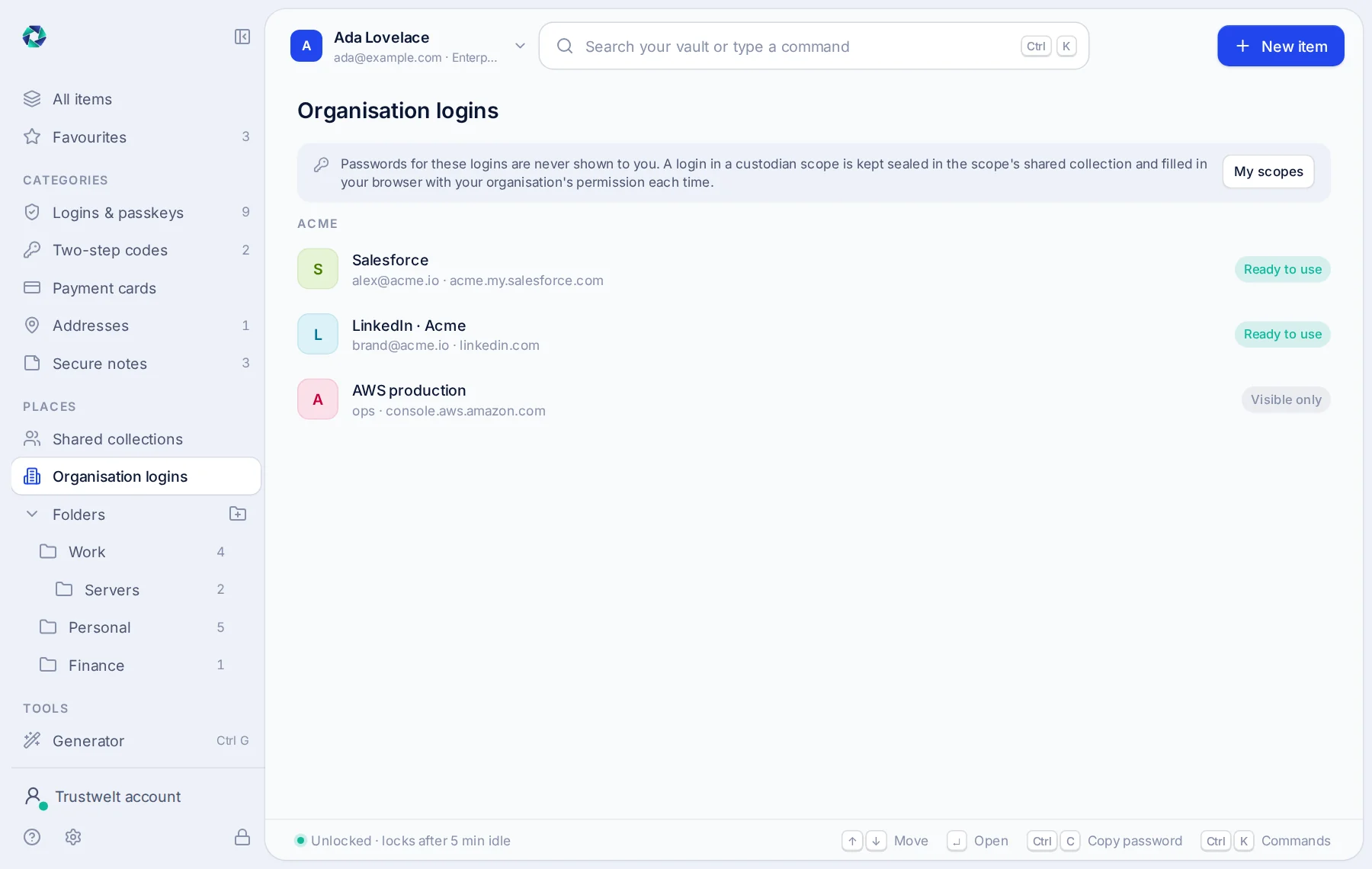
The organisation's login is kept in Trustwelt Vault, listed in Tenant Admin by site and username, never by password.
Grant its use
Grant it to a person or a group. People can ask for access, with a reason, and an admin decides.
Fill it, never show it
On the person's computer Trustwelt Desktop fills the login on the right site under a one-time permission. The password never appears on screen, in a clipboard or in an export.
Read the record
Every fill is in the usage audit with the person, computer, site and time; export it as CSV or as a PDF that stands as evidence.
Where it runs
Trustwelt Vault runs on these computers.
Trustwelt Desktop and its browser extension on Linux, Windows and macOS; Tenant Admin; the Business and Enterprise plans.
Read next
The modules behind it.
- Trustwelt Vault
Company logins
About Company logins about Company loginsShared accounts used by the right people, without anyone seeing the password.
- Trustwelt Vault
Usage audit
About Usage audit about Usage auditEvery use of every company login and card, in one record.
- Trustwelt Vault
Custodian scopes and requests
About Custodian scopes and requests about Custodian scopes and requestsAreas run by the people who own them, and access asked for in the open.
- Trustwelt Vault
Company cards
About Company cards about Company cardsPayment cards used for the organisation, with the number never handed over.