
Solutions
Security should fit the way you work.
Trustwelt protects the computers an organisation's people work on, from a small team to a fleet and a regulated organisation, and the same app serves one person on their own computer. What changes is how much you administer and how far it scales, not how well you are protected.
Individuals and families
Strong security without an IT department.
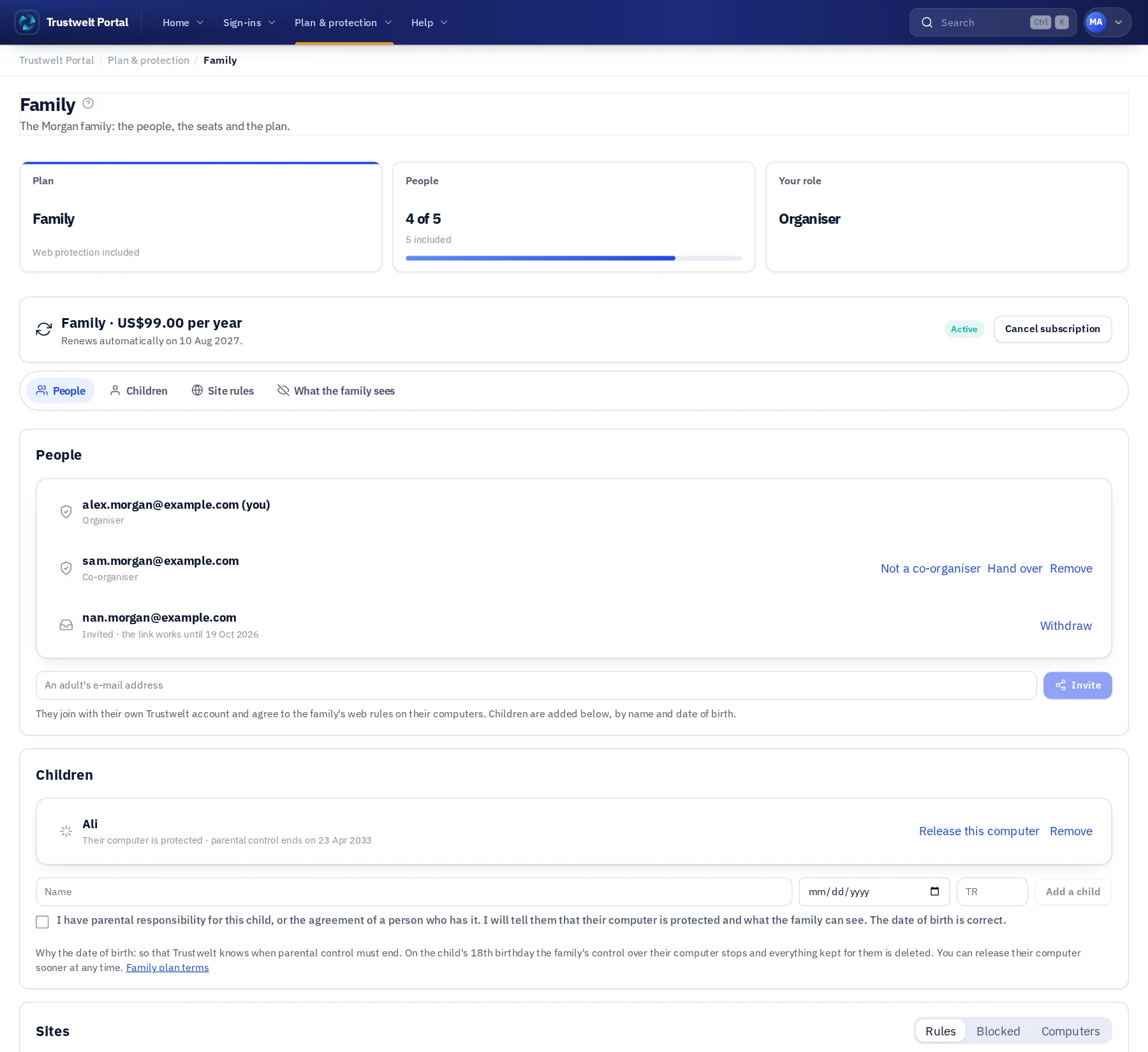
Start on your own: your passwords in Trustwelt Desktop on your computer, a free account to see your devices in one place, Standard when you want your vault on every computer you own and your own rules for the sites you keep away from. For the people you live with, the Family plan: up to five, each with their own vault, and the family's web rules on every computer.
- One person can start alone: no minimum seats, no sales call.
- Trustwelt Desktop works without an account and keeps secrets on your device. Its vault is open source.
- End-to-end encrypted sync between your computers.
- Family: one person pays and invites up to four more, two computers each; children are added by a parent, and parental control ends at 18; the organiser sees what was blocked, never what anyone visits.
- The Portal shows your devices and sign-ins as site and username only, never the password.
Small business
Security a small team can actually run.
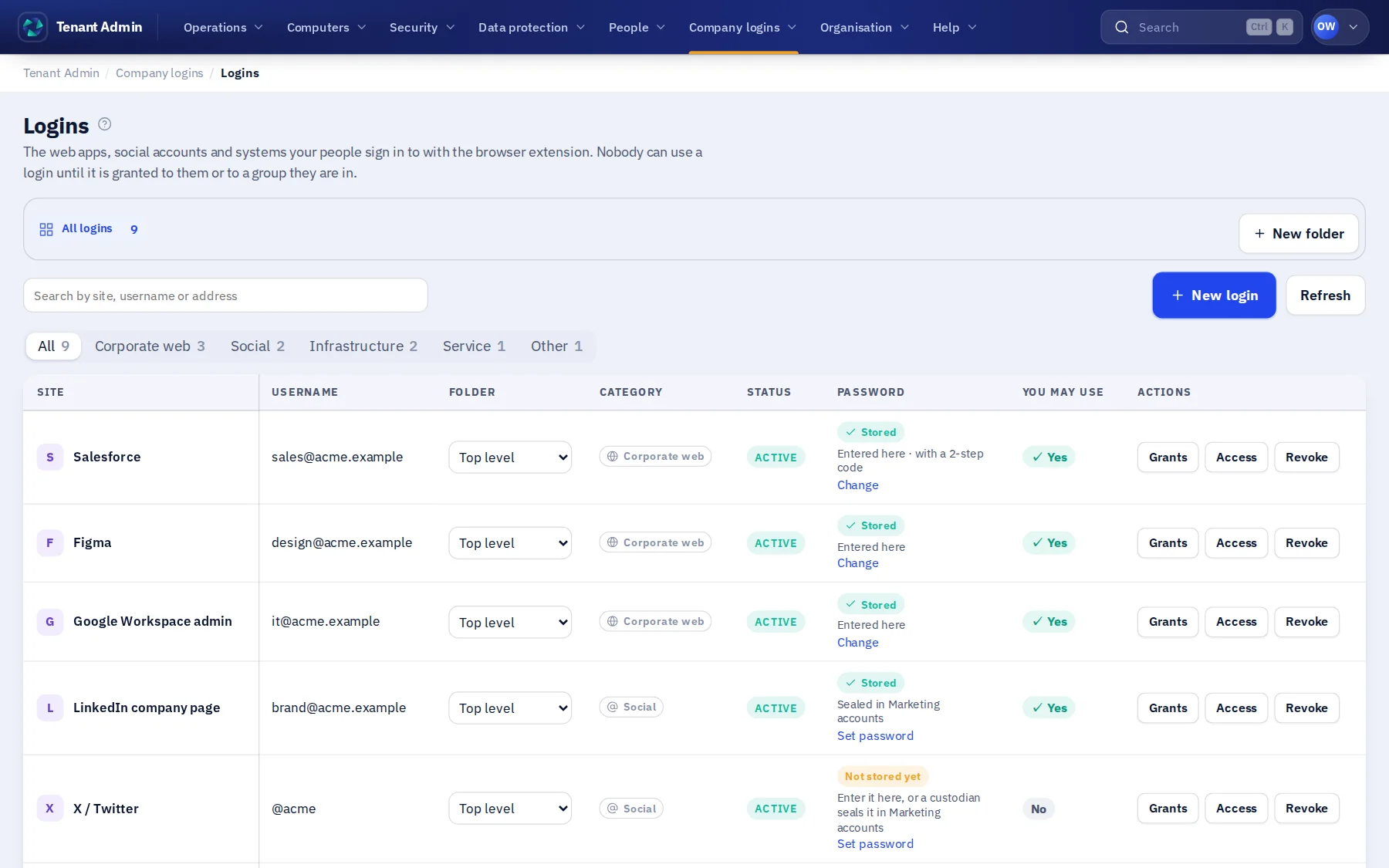
One admin console for your organisation: people, devices, enrolment, company logins and cards, without an IT department to maintain it. Share the use of the tools you pay for, not their passwords.
- Your organisation gets its own admin address; admin sessions are bound to it.
- Invite people by email; they join with their own account. HR can do this without being an IT admin.
- Share company tools by granting use to a person or a team. Nobody receives a password.
- Let finance hold the company cards, and see every payment in the usage audit with its amount.
- Managed computers: the person types their master password once, and the computer stays set up, protected and reporting.
- Decide which sites work computers may open, in plain rules, held in every browser and application; a blocked site shows your own page.
- Enrol computers with single-use tokens and see their posture.
Enterprise
Control trust across people, devices and systems.
The same trust model at fleet scale, with delegated administration, policy, remediation, incident response and audit in one place, and your identity provider for sign-in.
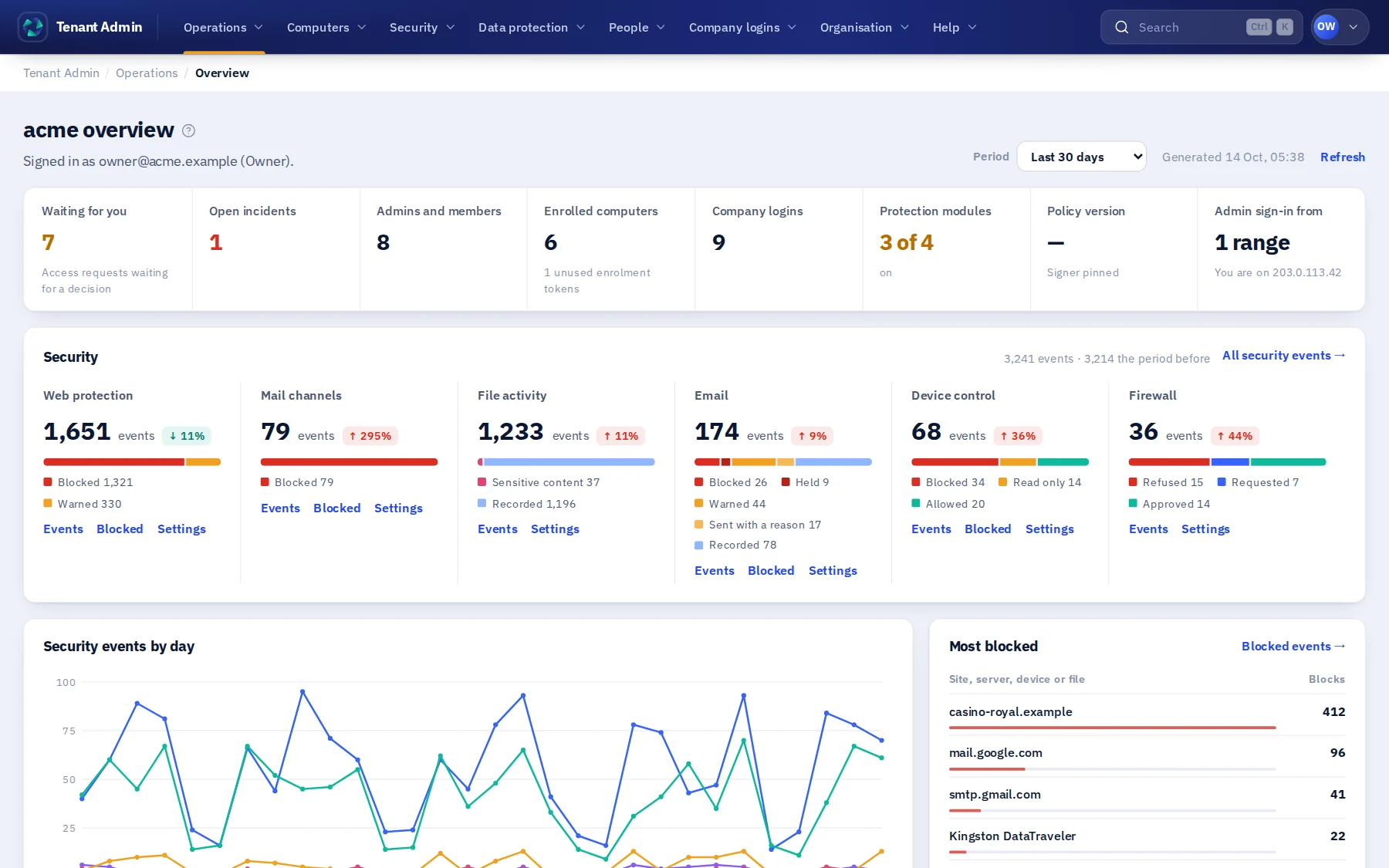
- Managed computers that ask nothing of the person: set up once, always on, web rules in every application, every block on record, and an e-mail when one stops reporting.
- Fleet-wide policy that turns posture into access decisions, group by group.
- Registered, signed remediation instead of remote shells, and incidents with the evidence kept.
- Admin areas for HR, IT, finance and your own, each with exactly the authorities you give it.
- Single sign-on, an IP allowlist for the console, your own mail server for invitations.
- Unlimited computers, and prices agreed per organisation.
Regulated organisations
Architecture your assessors can follow.
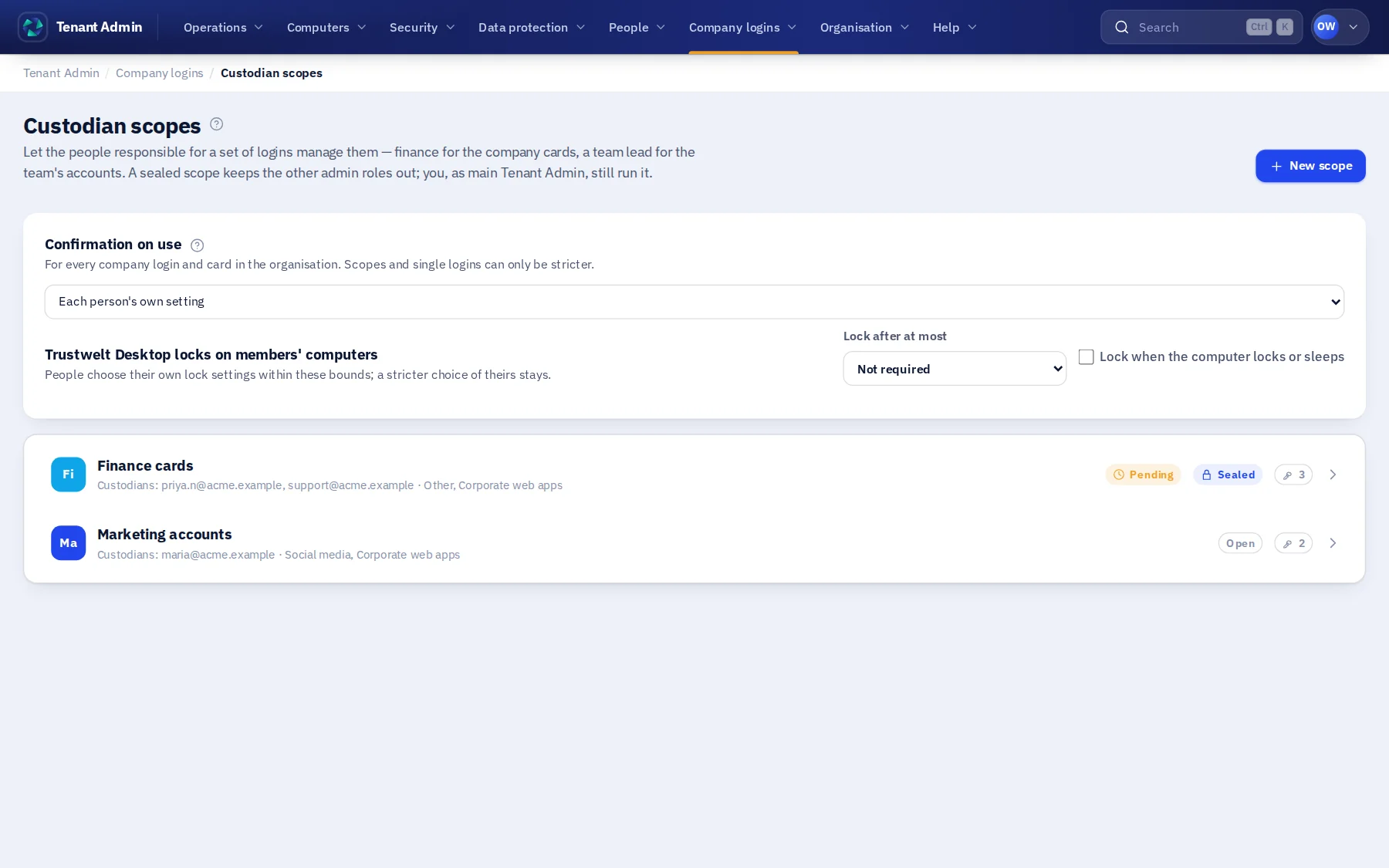
Clear boundaries, typed data classes, sealed custody with two-person changes, and an append-only audit that nobody, Trustwelt included, can edit.
- Data classes, storage, encryption and deletion described on one page.
- Your organisation's data is its own: nothing lists, exports or reports across organisations.
- Sensitive logins and cards sealed away from organisation-wide admins, with two-person custodian changes and an organisation-held recovery key.
- Every privileged change and every refused privileged attempt written to a hash-chained audit.
- Personal data of your people stays personal: the organisation sees counts of personal activity at most.
The foundation
The security foundation does not change with the plan.
Plans differ in administration, automation, device limits and support. They never differ in isolation or cryptography.
- Device identityEvery enrolled device has its own cryptographic identity, on every plan.
- Tenant isolationYour data is scoped to you on every plan.
- Signed control actionsNo plan gets a remote shell.
- Secrets stay localPasswords stay in the vault on your device, on every plan, and travel only sealed end to end.
What changes
Same trust model, different shape.
Administration
The Portal for individuals; an admin console with delegated areas for organisations.
Devices
Five on Standard, two per person on Family, ten per person on Business, unlimited on Enterprise. The free open-source desktop: one computer, no account.
Support and assurance
Larger organisations get architecture and assurance conversations with our team, and prices agreed per organisation.