
Trustwelt DLP
What leaves a computer is seen, checked and recorded.
Trustwelt DLP watches the moment data leaves a managed computer: a file copied to a USB drive, chosen for upload in a browser, sent to a printer, packed into an archive. It checks what is copied or printed there, on the computer, and records what kind of data it found and how often. Never the text itself.
Sold on its own, per person per month. Works alone or with the other Trustwelt products. Security Center included. Runs on: Managed Linux computers in full; on macOS, USB drives plugged in and removed, and printing; on Windows, the content checks of the mail check and AI Security; Tenant Admin and Security Center.
What it does
Trustwelt DLP, in plain words.
Trustwelt DLP is data loss prevention for company computers: content is checked on the computer at the moment it leaves.
- File activity
Every file that moves
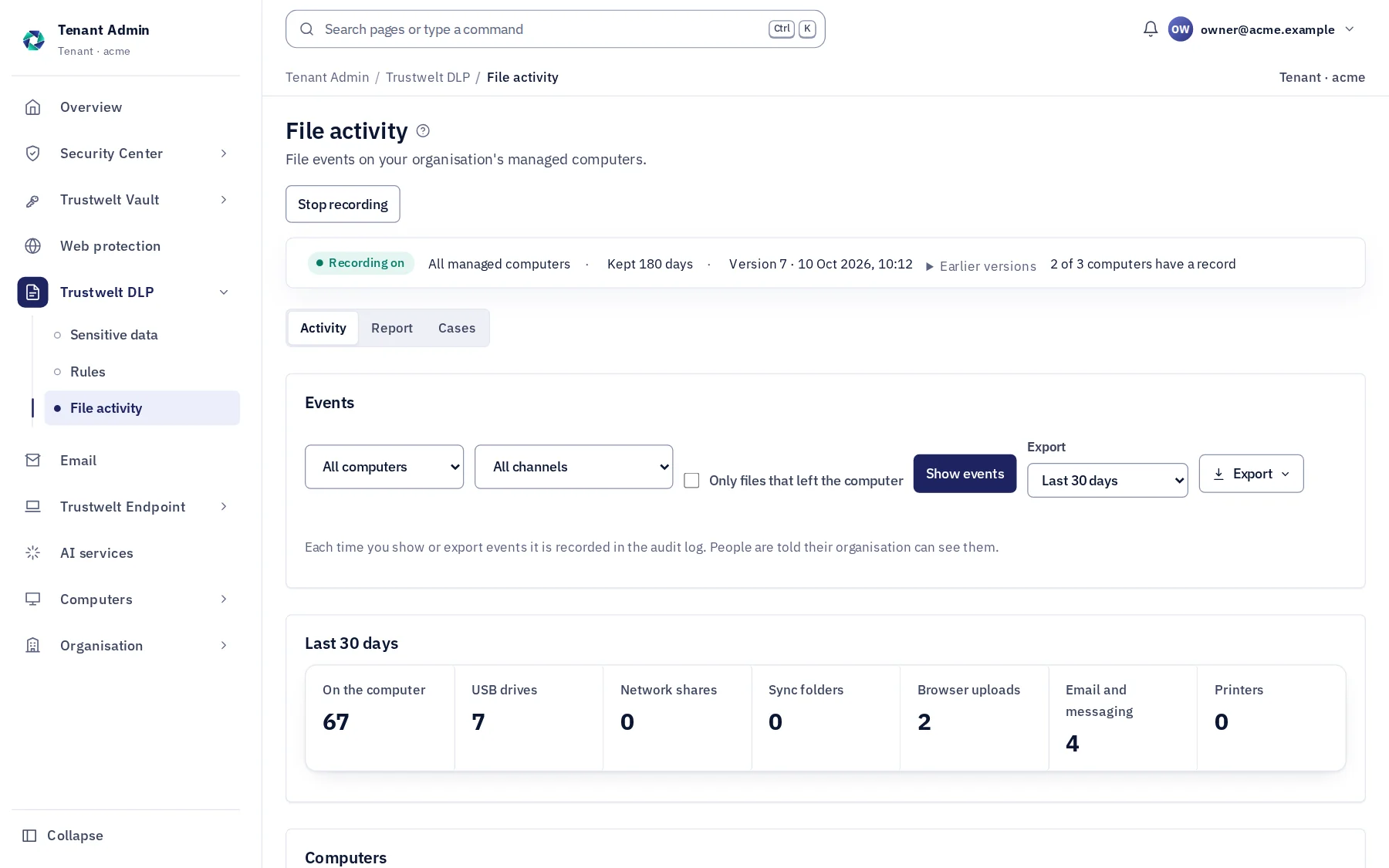
Created, changed, renamed, moved, copied, deleted, written to a USB drive, chosen for upload, opened by a mail or messaging program, printed; with name, path, program and, when it left, size and fingerprint.
- Content checks
Found on the computer
Payment cards, IBANs, UK bank details, national identity numbers, your own word lists; in documents, spreadsheets, PDFs, archives and pictures (OCR). The check runs in a confined worker on the computer.
- Classification
Labels and registered documents
Sensitivity labels read from files (Microsoft Purview mapped), your organisation's own classes, and documents you register so their copies are recognised wherever they go.
- Strict by default
The Tenant Admin relaxes
Every measure is on from the first day; you turn off what you do not need, per group or person.
- Cases
From a finding to a case
Findings that need a decision become cases: assigned, commented, closed, with the evidence kept.
- Told
People know
Each person sees in their Portal what their organisation records on a managed computer; nothing happens behind their back.
Modules
Everything in Trustwelt DLP, each on its own page.
- Module
File activity
About File activity about File activityCopies to USB drives, uploads, printing and archives, recorded on the computer.
- Module
Content inspection
About Content inspection about Content inspectionCards, bank details, identity numbers and your words, found on the way out.
- Module
Classification and registered documents
About Classification and registered documents about Classification and registered documentsYour labels, Microsoft Purview's labels, and documents you register, followed.
In Tenant Admin
What your administrators see.
What is recorded, and what never is
Your organisation sees this. Nothing else.
- EventsThe file's name and path, the program, the computer and the person, when; for a file that left, its size and SHA-256 fingerprint and where it went (the drive's model and serial, the site's address, the printer).
- FindingsThe kind of data found and how many times (three card numbers, one IBAN), never the numbers themselves.
- KeptAs long as you set, 180 days by default; exported as CSV or as a PDF that stands as evidence.
Never:
- The content of a file uploaded to Trustwelt for checking: the check runs on the computer.
- The text that matched: a finding is a kind and a count.
- Recording on a person's own computer: Trustwelt DLP runs on managed company computers only.
How a copy is checked
From a file dragged to a USB drive to a record in Security Center, in six steps.
The check runs on the computer, in a confined worker, at the moment the file leaves. Only what kind of data was found, and how often, goes anywhere.
The file moves
A copy to a USB drive, a file chosen for upload, a print, an archive packed: the computer's own file events say so, without opening the file for recording.
The worker reads it
A confined worker on the computer reads documents, spreadsheets, PDFs, archives and, on Linux, pictures through OCR; it has no network and a fixed budget of memory and time.
The detectors find
Payment cards that pass their check digit, IBANs and UK bank details, identity numbers, your word lists and labels, registered documents by fingerprint, customer lists by exact match.
A finding becomes kinds and counts
Three card numbers, one IBAN: the kinds and how many, never the values. The file's name, size, fingerprint and where it went are kept with them.
It is written to the ledger
An encrypted, numbered ledger on the computer, then Security Center; a gap in the numbers is visible. Events are kept as long as you set, 180 days by default.
A case, if it needs one
Findings that need a decision become cases with an owner, notes and a close; exported as CSV or as a PDF that stands as evidence.
Who sees what
Three parties, one table.
| Event | The person | The organisation | Trustwelt |
|---|---|---|---|
| A file copied to a USB drive | In the Portal, what their organisation records on a managed computer | The file's name and path, the program, the drive's model and serial, size and fingerprint, the kinds found and how many | The same record; never the file or the matched text |
| A file chosen for upload | The same | The site and how many files; the kinds found and how many | The same record |
| A print | The same | The printer, the document's name, the kinds found and how many | The same record |
| A person's own computer | Everything, and no recording | Nothing: Trustwelt DLP runs on managed company computers only | Nothing |
Alone or together
Each product stands on its own. Together they share what they know.
- Trustwelt Secure MailGW: the same detectors and word lists check outgoing mail at the gateway; a registered document is recognised in an attachment.
- Trustwelt Endpoint: device control blocks or makes read-only the USB drives DLP would otherwise record.
- Trustwelt Web Protection: a site blocked there is a site nothing is uploaded to.
- Security Center (included): the events, reports and exports of every product you hold, in one place; each PDF stands as evidence with the time to the second and its SHA-256. Weekly or monthly reports made by Trustwelt itself and kept in a library, a breakdown by two dimensions with saved views, and a signed stream of events to your SIEM.
Specification
Where it runs and what it needs.
- Runs on
- Managed Linux computers in full (fanotify, no file opened for recording). On macOS: USB drives plugged in and removed, and printing, recorded and checked. On Windows: the content checks of the mail check and AI Security.
- Detectors
- Payment cards (Luhn, issuer ranges), IBAN, UK sort code and account, Turkish identity number, word lists, labels; OCR for pictures and scanned PDFs.
- Record
- An encrypted, numbered ledger on each computer; gaps are visible; signed policy versions and acknowledgements.
- Plan
- Sold on its own, per person per month; for organisations.
Questions
Asked before buying.
- Does it block, or only record?
- Trustwelt DLP records and checks; it does not stop a copy or a print by what is in it. To block, device control in Trustwelt Endpoint blocks a USB drive or makes it read-only, and Trustwelt Secure MailGW blocks or holds a message by its content.
- Does it read everything on the disk?
- No. It records file events and checks content at the moment a file leaves: a USB write, a print, an archive. For an upload it records the site and how many files, never their content. Files that stay are not scanned.
- What about pictures and scans?
- On Linux computers, text in pictures and scanned PDFs is read on the computer (OCR) and checked like any other text; the picture never leaves.
Start with Trustwelt DLP.
An organisation account is free. Add the products you need, per person per month, and cancel any of them when you want.