Product
A security platform for the computers your people work on.
Trustwelt sets a work computer up once and keeps it that way: the organisation's web rules in every browser and application, company logins used without their passwords, the computer reporting in, and access decided from the person, the computer and its current state. People's own secrets stay on their own computers, where Trustwelt cannot read them.
Where you work
Three places, one set of rules.
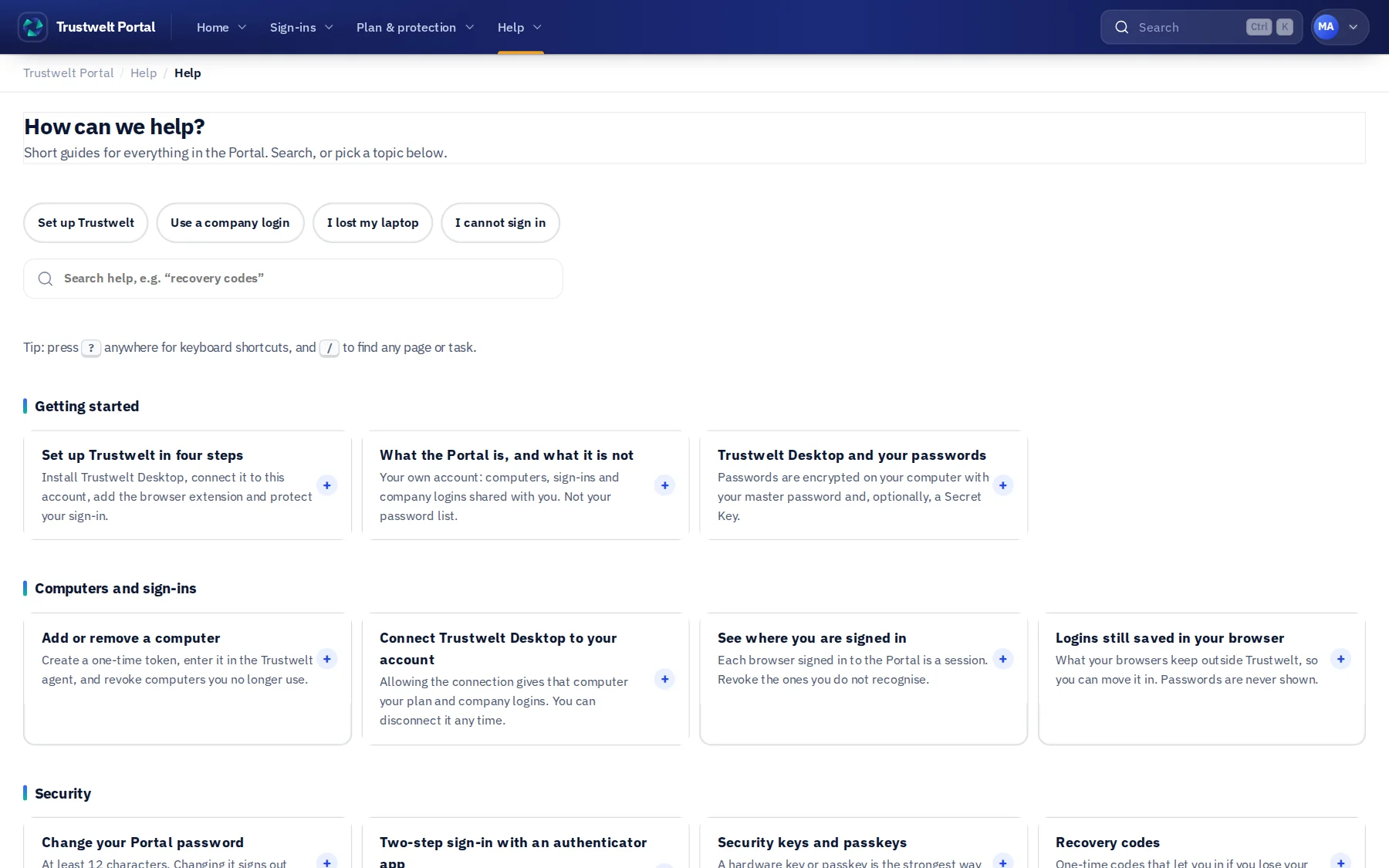
Admins run the organisation in Tenant Admin. Trustwelt Desktop is the app on every computer: it applies the rules and holds the person's own vault. The Portal is each person's account. Computers talk to the control plane with their own identity. Each has its own sign-in, and none of them can show a password it does not hold.
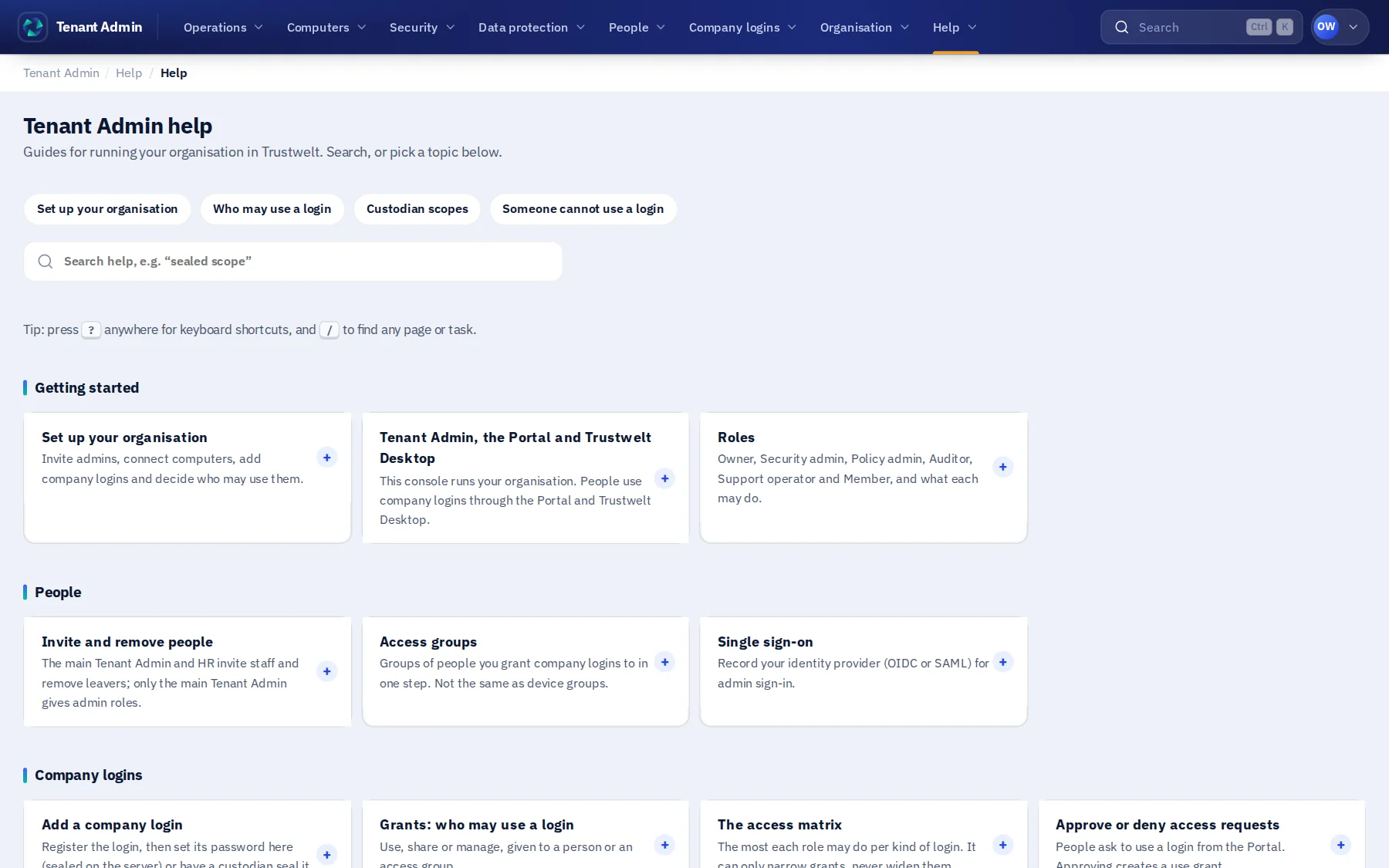
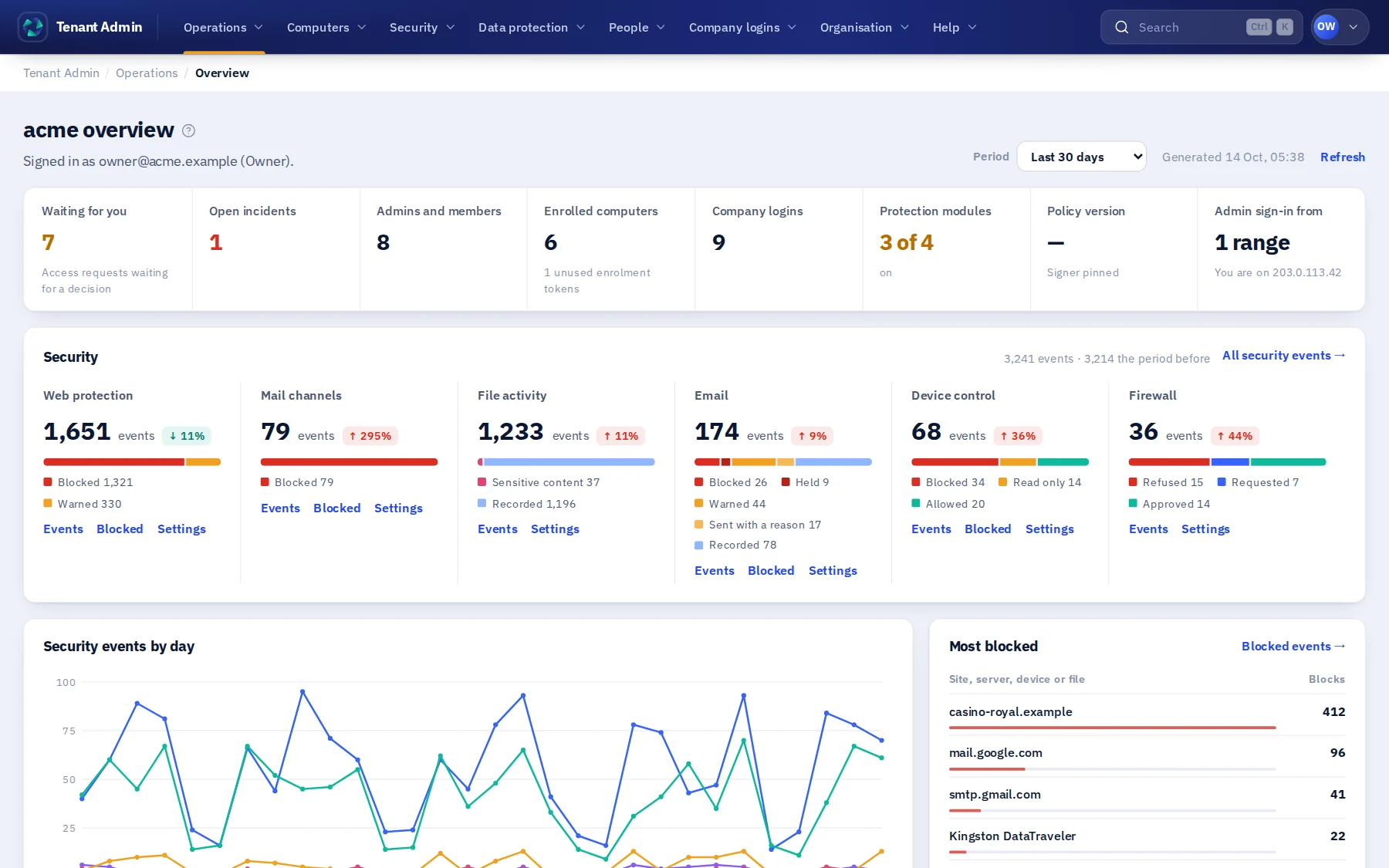 Business and EnterpriseTenant AdminManaged computers, web protection, company logins and cards, people, roles and admin areas, the access matrix, custodian scopes, devices, policy and the usage audit.
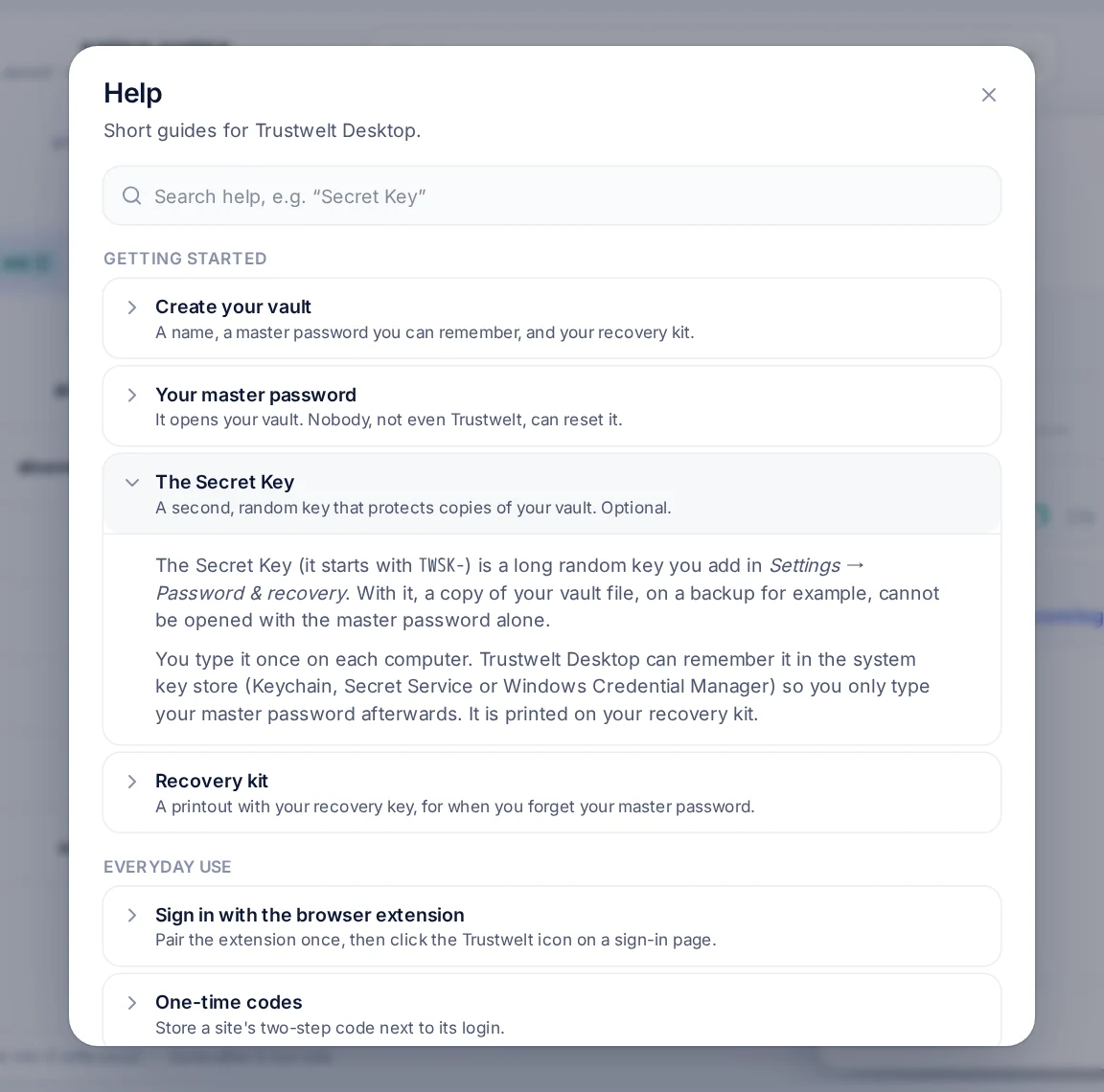
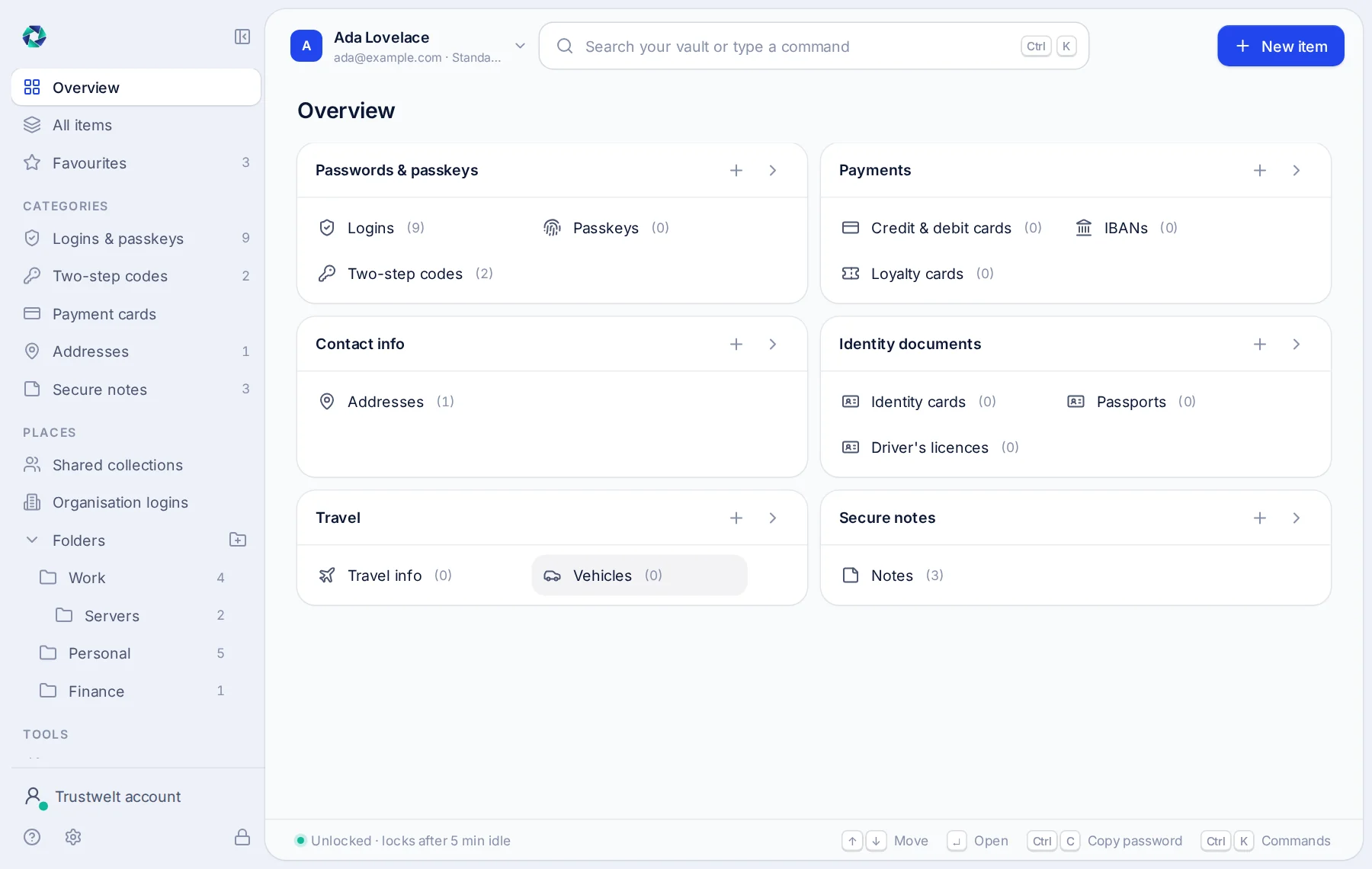 Every computerTrustwelt DesktopOn a managed computer, the organisation's rules and company logins. For everyone, an encrypted vault with the browser extension: logins and one-time codes, cards, addresses, IBANs, identity documents and a private activity record.
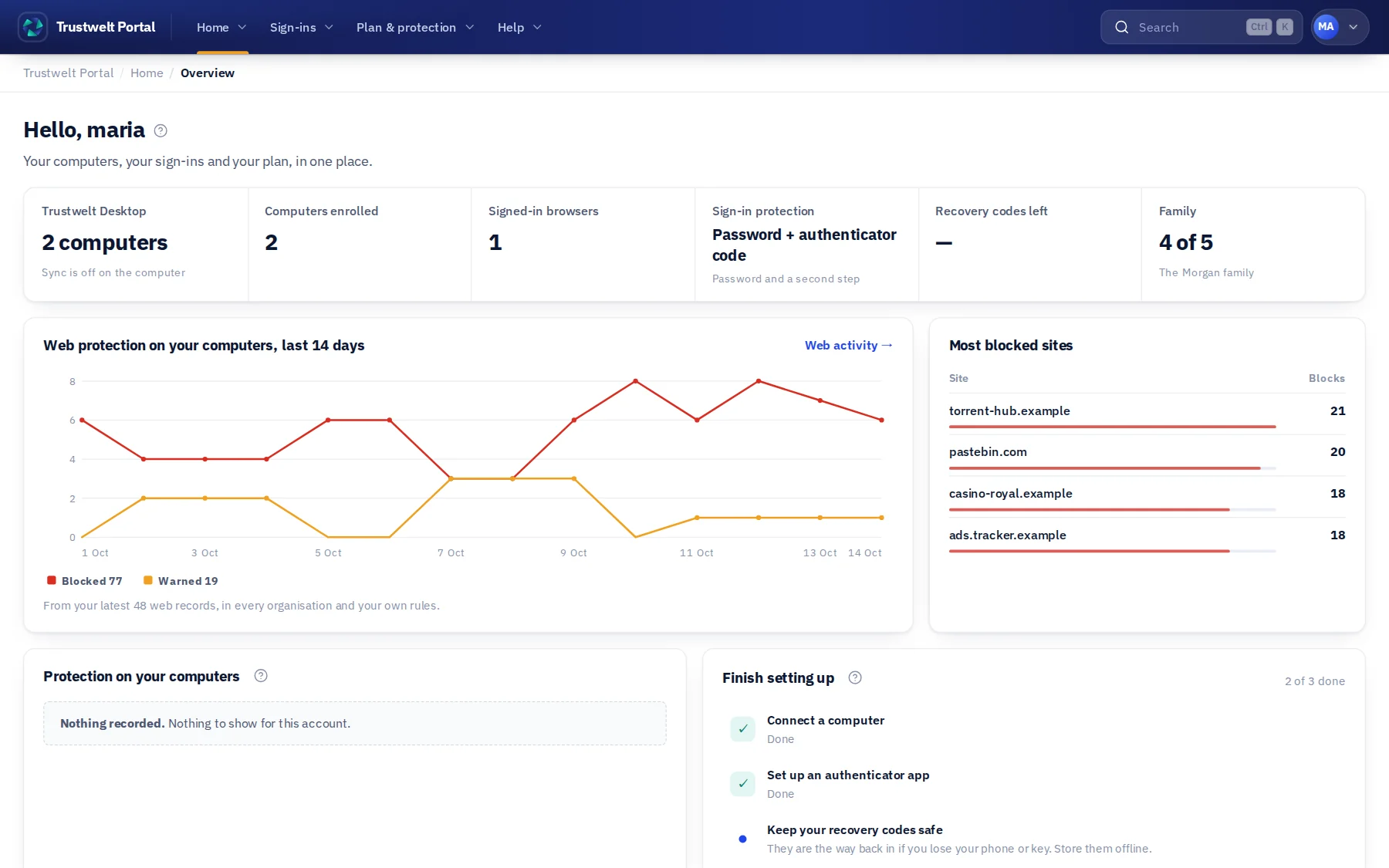 Every personPortalYour devices and sessions, the company logins shared with you, your requests, your plan and subscription.
The lifecycle
From enrolment to incident, one loop.
Enrol
A device joins its organisation with a single-use token and receives its own identity.
Measure
The agent reports typed posture signals: disk encryption, firewall, secure boot.
Decide
Policy turns identity, device and context into allow, remediate or restrict.
Enforce
Access follows the outcome on the server, never on a claim the client makes.
Remediate
Signed, registered actions help the device recover. No remote shell.
Respond
Contain, investigate and retire, with the evidence kept in your organisation's records.
Where secrets live
Our cloud is not a password store.
The Trustwelt cloud holds identity, policy, device trust, the site and username of company logins, ciphertext it cannot open and audit records. Passwords, one-time code secrets and card numbers stay in the vault on the person's computer, and reach another computer only sealed end to end.
- The vault key is derived from the master password on the device. Trustwelt never receives it.
- Sync and sharing move ciphertext. The server sees identifiers, versions and sizes.
- A company login is filled in the browser under a one-time permission. Its password is never shown, copied or stored in the cloud.
- The web consoles never decrypt a vault item. A build check refuses a web bundle that could.
What it does
The capabilities, and where to read about each.
- Organisations
Managed computers
Managed computers about Managed computersSet up once with the person's master password. Always on, no Quit or Sign out for the person, every computer reporting in, an e-mail when one stops, and a console that shows whether each one is protected.
- Organisations
Web protection
Web protection about Web protectionRules in plain words, a simulator, your own block page. Held on a managed computer in every browser and every application; certificate problems stopped the same way; blocks on record.
- Organisations
Company logins, used but never shared
Company logins about Company logins, used but never sharedA catalogue by site and username, categories, an access matrix per role, access groups, requests with a reason, and one-time permissions for each fill.
- Organisations
Custodian scopes and company cards
Custodians about Custodian scopes and company cardsFinance holds the cards, marketing holds the social accounts. Sealed scopes, two-person changes, and a recovery key the organisation holds.
- Organisations
Delegated administration
Admin areas about Delegated administrationA main admin who can do everything, and admin areas for HR, IT, finance or your own, each with exactly the authorities you give it.
- Organisations
Usage audit
Usage audit about Usage auditEvery use of a company login or card, with the site, the person, the computer and, for cards, the amount. Every web block with its rule. Retention you set. Export to CSV.
- Device trust
Device identity and posture
Device identity about Device identity and postureEnrolment with single-use tokens, an identity per device that signs everything it sends, and typed posture from the agent.
- Device trust
Policy, remediation and incidents
Trust decisions about Policy, remediation and incidentsDevice groups and policy, signed commands bound to one device, an allowlist instead of a shell, quarantine and incident records with the evidence kept.
- Platform
Sign-in, single sign-on and your own mail
Sign-in about Sign-in, single sign-on and your own mailTwo-step sign-in, security keys and passkeys, recovery codes, single sign-on for your organisation, an IP allowlist for the console and your own SMTP server for invitations.
- Trustwelt Desktop
A vault that stays on the computer
Trustwelt Desktop about A vault that stays on the computerA person's own logins, one-time codes, notes, custom fields, password history and payment cards in one encrypted file. Argon2id, XChaCha20-Poly1305, Secret Key, recovery kit. Open source.
- Trustwelt Desktop
Browser extension
Browser extension about Browser extensionPaired once with a code, or by the organisation's policy. Fills logins, codes and cards on the page you are on, in Chromium and Firefox families, through an encrypted channel to the vault.
- Trustwelt Desktop
Sync, sharing and import
Sync and sharing about Sync, sharing and importYour vault on every computer you own, as sealed envelopes. Collections shared with a family or a team, each with its own key. Import from KeePass, Bitwarden, 1Password, LastPass, Chrome, Firefox, Safari and CSV.
- Portal
Your account and your computers
Portal about Your account and your computersConnect and revoke computers, see every session, sign in with a one-time code or a security key, keep recovery codes, and manage your subscription.
- Portal
Your activity, end-to-end encrypted
Activity about Your activity, end-to-end encryptedWhat was read in and every use of a secret, in your own space. Mask where you went; never delete that something happened. Your organisation sees counts only.
- Product matrix
Every capability, its status and where it runs
Capabilities and deployment about Every capability, its status and where it runsAvailable, early access, roadmap or programme, one status per capability. And the deployment models: SaaS, Enterprise Hybrid and Enterprise On-Prem, connected, restricted or air-gapped.
Help built in
Every screen explains itself.
Short leads on every page, a “?” beside anything that is not obvious, and a searchable help centre with task-based topics, troubleshooting and a glossary, in the Portal, in Tenant Admin and in Trustwelt Desktop (F1).
- Help tips link to the matching topic, so the answer is one click away.
- Technical identifiers for support are folded away at the bottom of each page, never in the way.
- Every topic is written against the real buttons and settings, and updated when they change.